
South Park Teenager Maker: Create an Original Cartoon Teen Avatar
Use a South Park-inspired teenager maker to build an original cartoon teen avatar with a recognizable silhouette, outfit, expression, and scene.
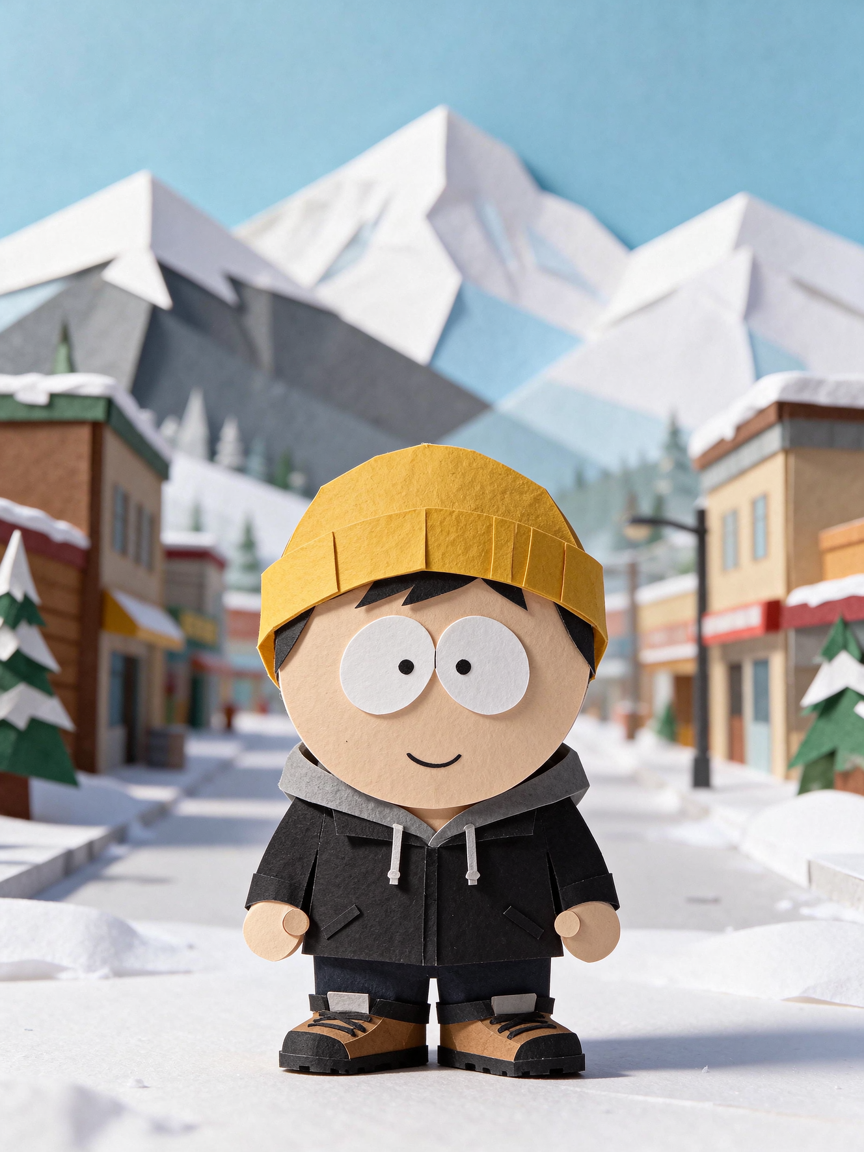
South Park Teenager Maker: Create an Original Cartoon Teen Avatar
Looking for a South Park teenager maker? The fastest way to make a character that feels specific is to start with one recognizable idea: a hairstyle, a favorite jacket, a particular expression, or the place where the character spends time.
This guide uses an independent South Park-inspired character maker. It is not an official South Park product, and the goal is to create an original avatar rather than copy a character from the show.
1. Start with a strong silhouette
Teen characters are often remembered by their outline before anyone notices the small details. In the character builder, choose a hairstyle first. Short hair, curls, a bob, a cap, or a beanie can make the same face read as a completely different person.
Keep the first pass simple. Pick one hair shape, one hat or accessory, and one outfit. You can always add layers after the silhouette feels right.
2. Let the outfit tell the story
An outfit gives an avatar a point of view. Try matching the clothing to a small character prompt:
- A weekend skater: hoodie, sneakers, and a relaxed expression.
- A mountain explorer: jacket, warm colors, and a snowy background.
- A book lover: sweater, glasses, and a calmer pose.
- A neighborhood rebel: a bold color, headphones, or a backpack.
Choose the main outfit color before adding accessories. A single strong color is easier to recognize than a design with too many competing accents.
3. Use expression as a shortcut to personality
Happy, calm, surprised, and grumpy expressions communicate different stories without changing the clothing. Test two expressions with the same outfit and background. The better version is usually the one that makes the character's implied personality obvious at a glance.
If the face feels too busy, remove one accessory. Clear eyes and a readable mouth matter more than adding every available detail.
4. Choose a scene that supports the character
The background should support the idea instead of competing with it. Snowy mountains work well for an explorer, a park creates a casual neighborhood feeling, and a plain or transparent background keeps the avatar useful for profile pictures and other designs.
The builder updates the preview as you make each choice, so you can judge the whole composition before exporting it.
5. Download the finished avatar
When the character feels right, download a 1024 × 1024 PNG for sharing or an SVG when you need a scalable file. You can create and export a manual design without an account; saved editable designs stay in the current browser and device.

Start with the South Park-inspired character builder, or browse the real builder examples for a few starting points.