Build it your way.
Start with a preset and change hair, skin tone, clothes, expression, and background in the live preview. The browser-based builder needs no account and lets you choose each detail before downloading.
Make a custom characterCreate your paper-cut alter ego. Change the details and download a character that feels like you.
Try a color. Change the mood.
From photo to character
Real portraits, reimagined in a South Park-inspired paper-cut world. The hair, the outfit, the little details that make you, you.
Drag the divider or use the arrow keys to compare.
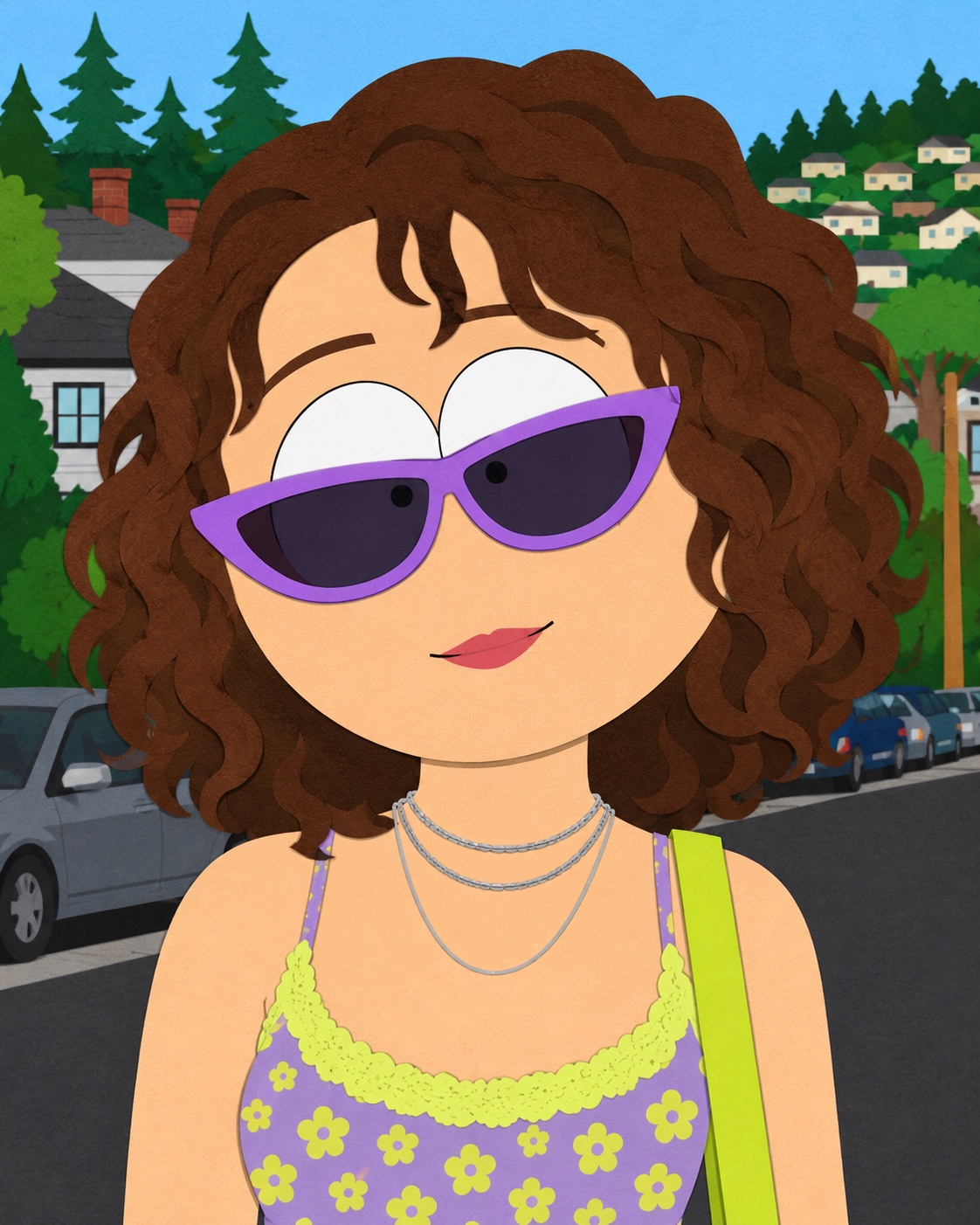
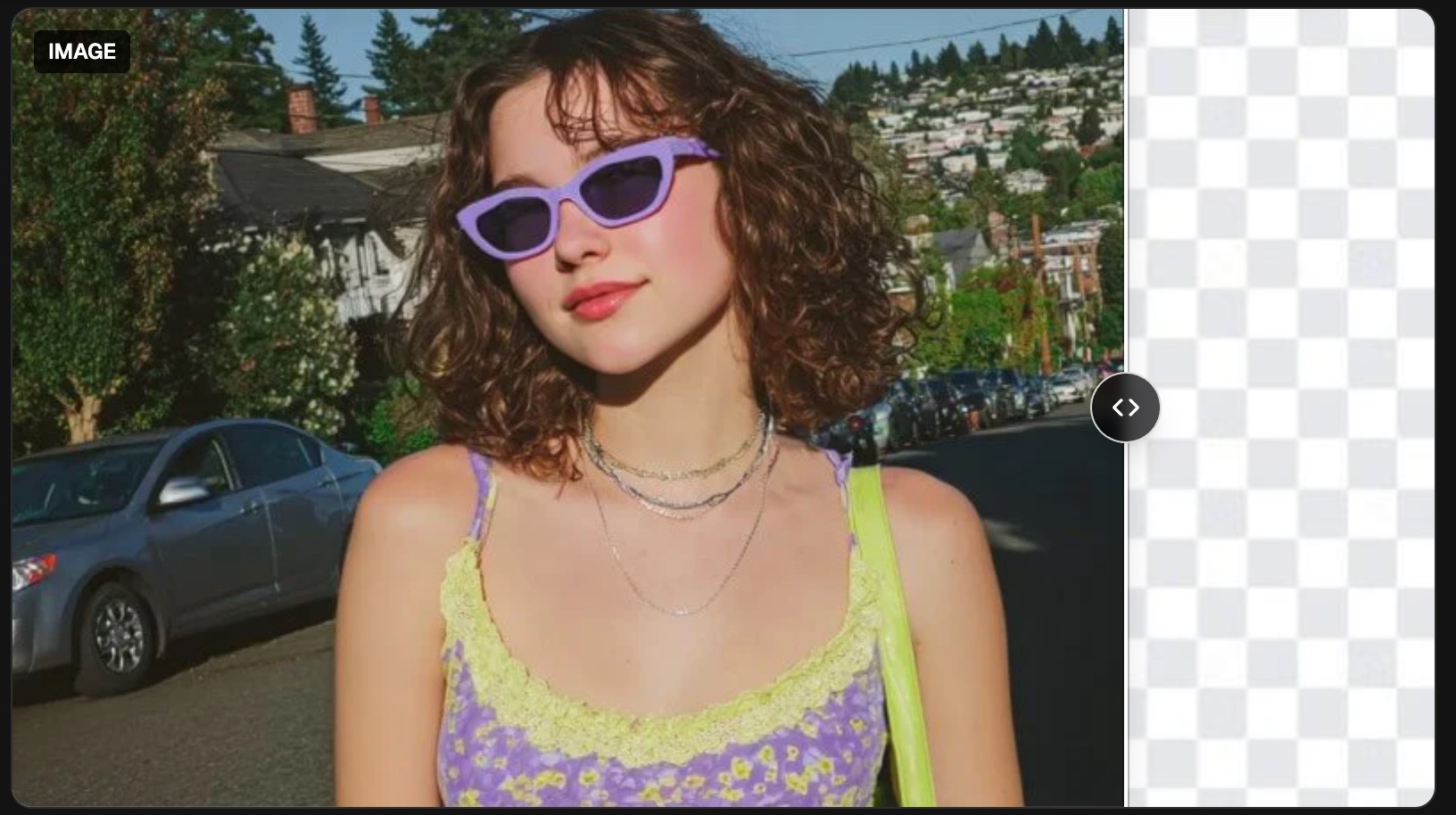
Familiar curls, lilac sunglasses, a whole new cartoon world.


Your favorite hat and jacket, with a little animated attitude.
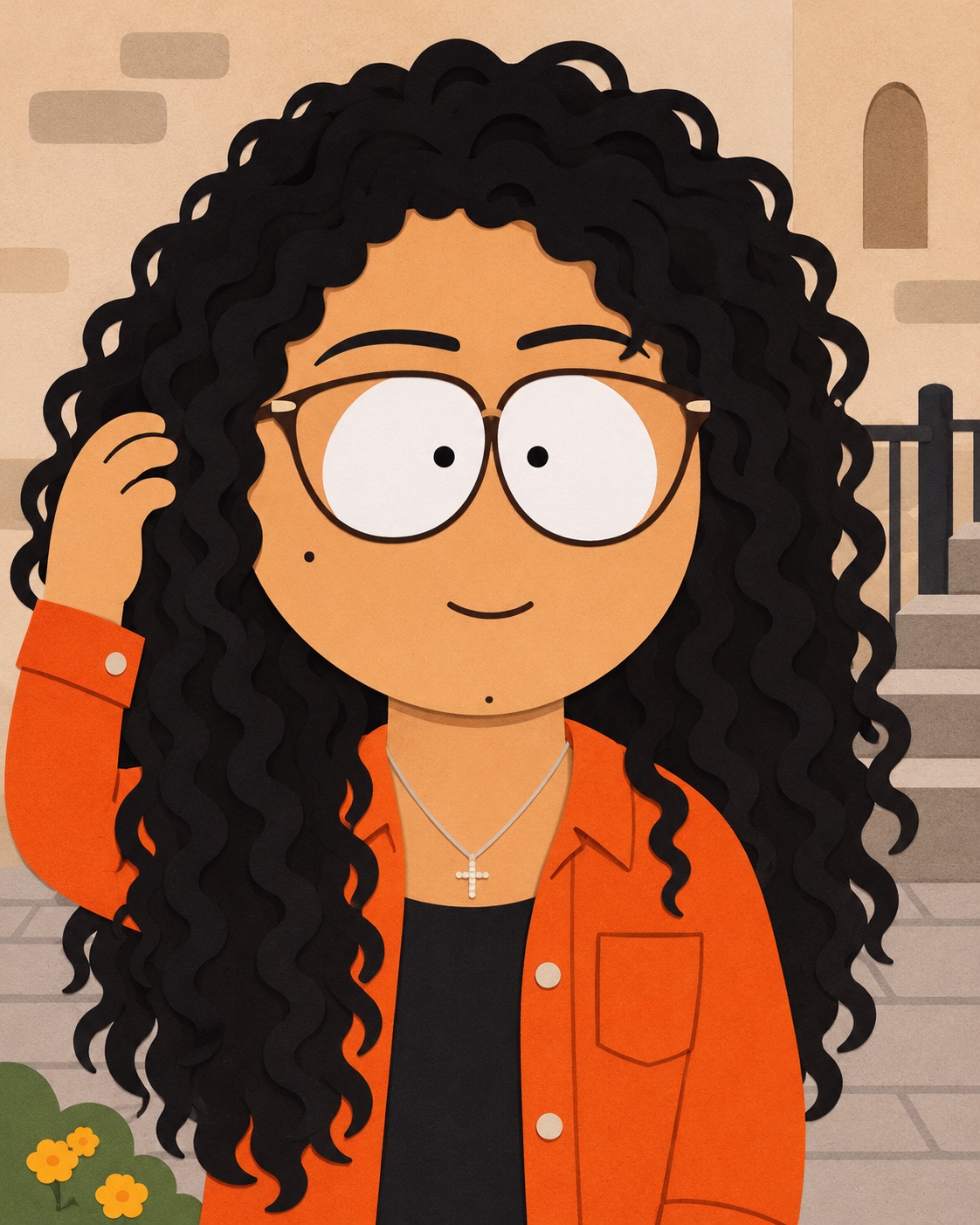
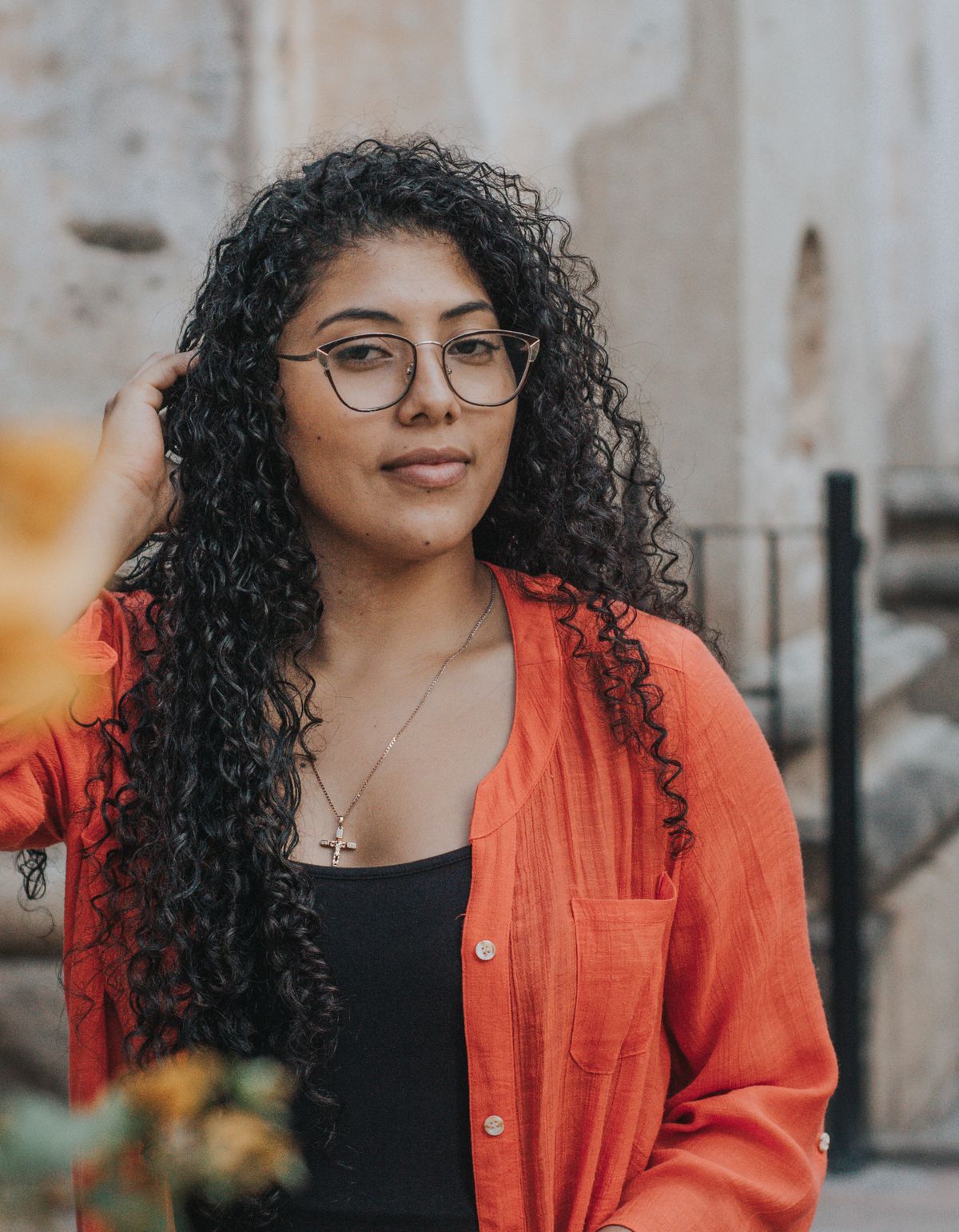
Same glasses and signature color. A different kind of portrait.
Create a personalized South Park-inspired character in the interactive builder, or explore optional AI generation when available.
Start with a preset and change hair, skin tone, clothes, expression, and background in the live preview. The browser-based builder needs no account and lets you choose each detail before downloading.
Make a custom characterDescribe a look, personality, or scene to generate an original image. The AI studio requires an account and credits, with the price shown before each generation.
Explore the AI generator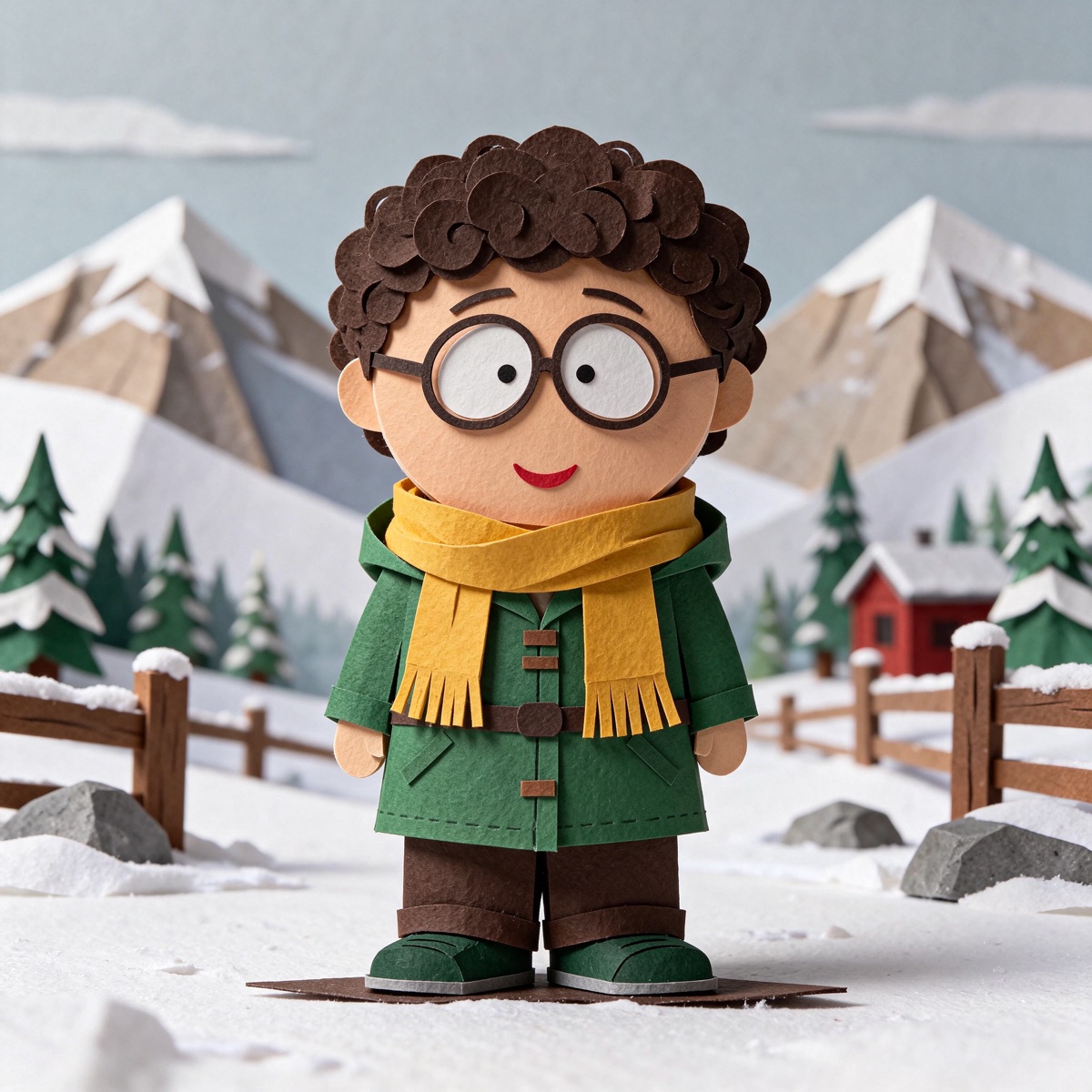
MADE IN THE BUILDER
These are live editor designs, rendered with the same tools you can use. Open either version, make your changes, or inspect the actual exported files.
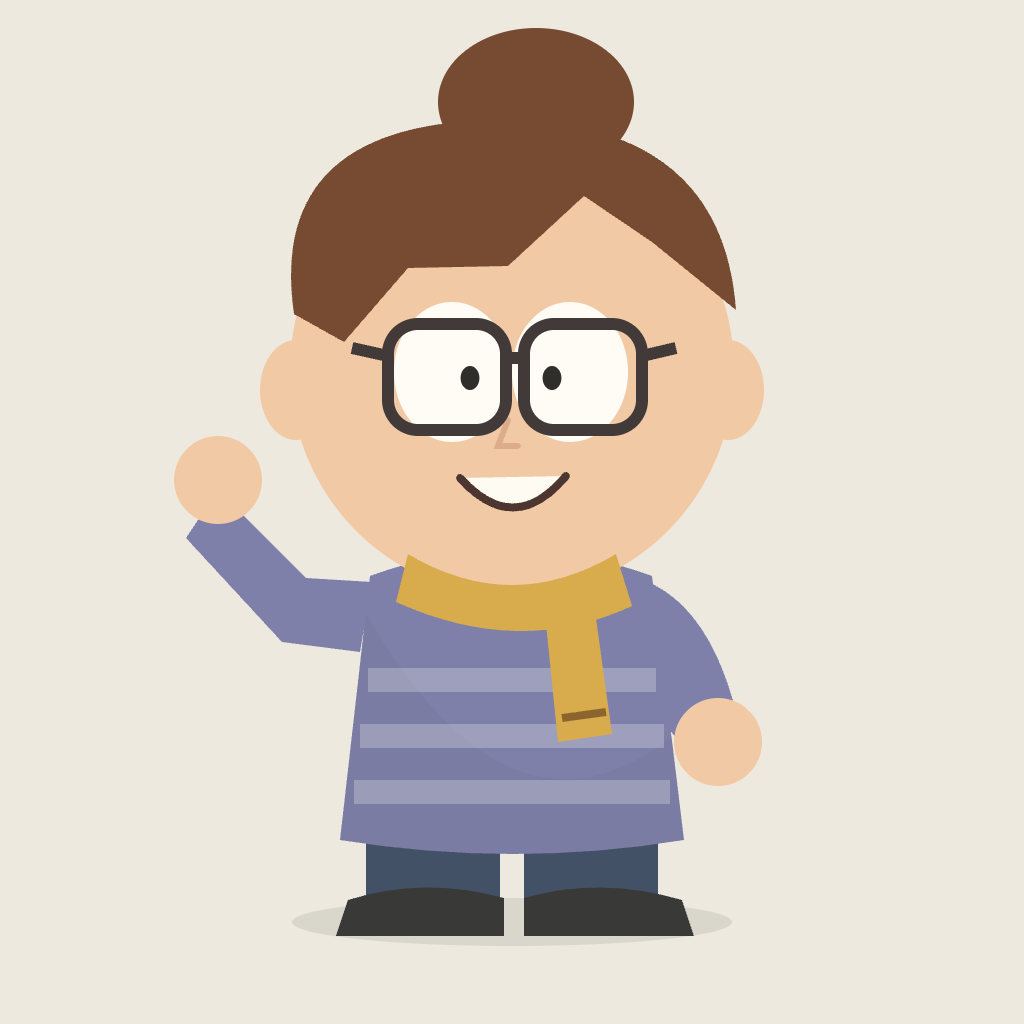
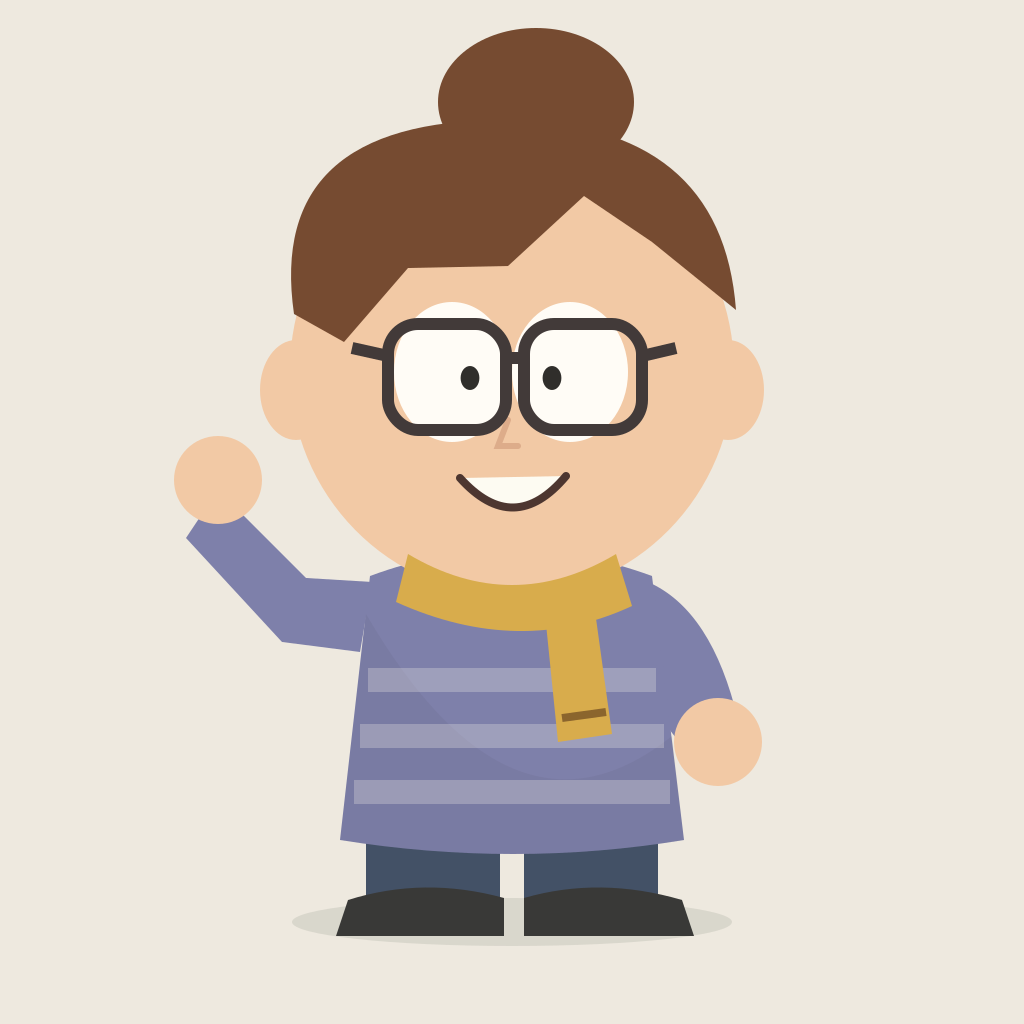
Swap curls for a bun, layer glasses with a scarf, change the sweater, and add a wave.
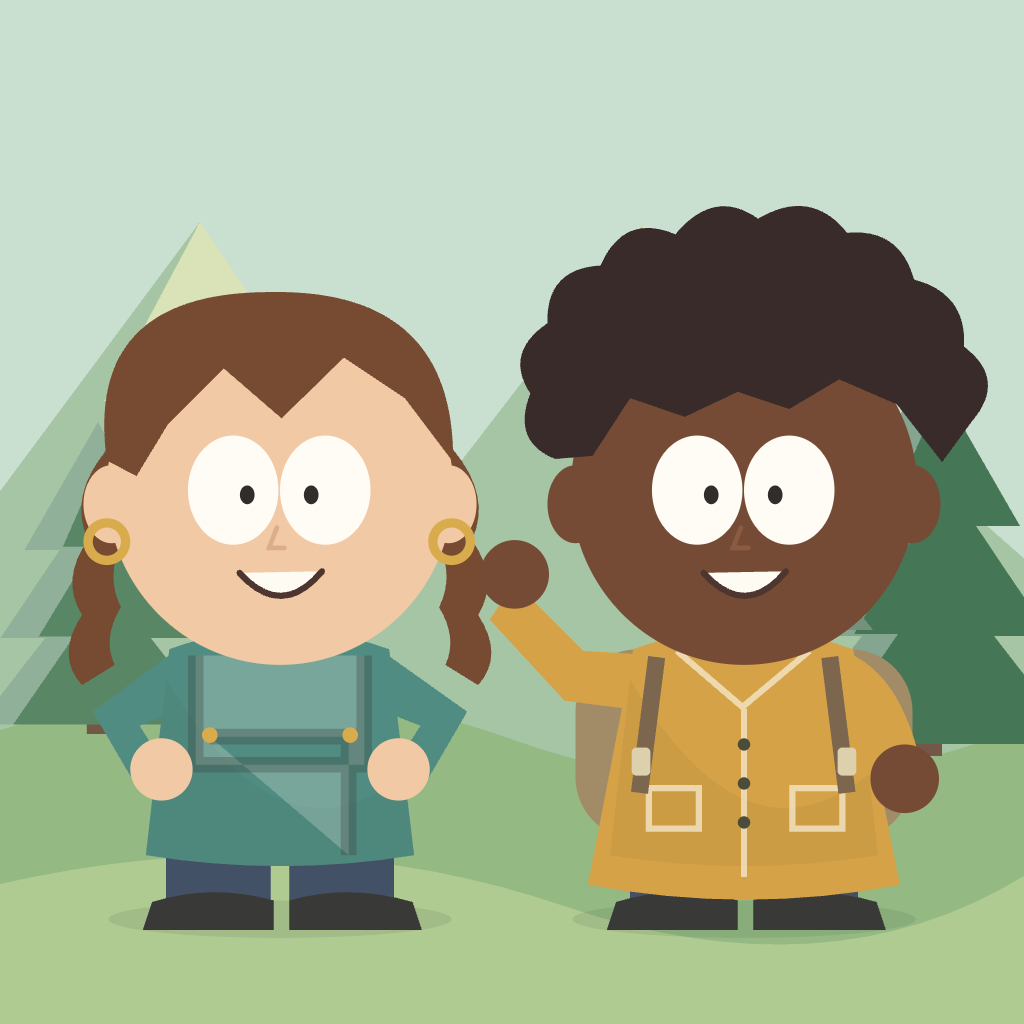
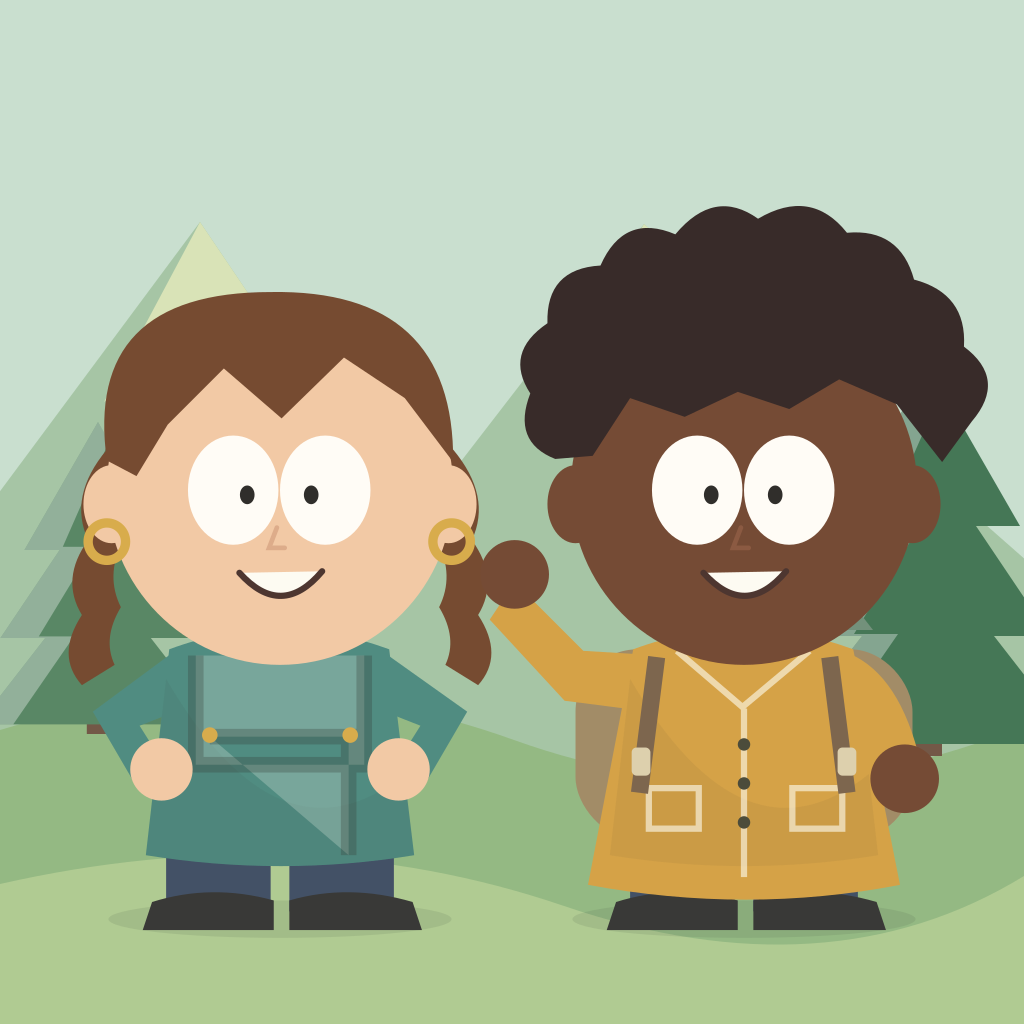
Open this designCombine two individually styled characters, with braids, an afro, overalls, a raincoat, and a shared park background.
Open this designBuild a three-character scene. Mix a seated suit, a ponytail and dress, and a waving character with headphones.
Open this designBuilder examples use the manual editor. They do not require AI generation. Downloaded PNG and SVG files match the edited designs above; saved edits stay in this browser.
A few thoughtful choices are enough to create a recognizable avatar. Start simple, then adjust the details that make it yours.
Open the studio and select a preset close to your idea. Hair and outfit colors can be changed later. For an imagined scene, switch to the AI generator and describe your character.
Adjust hair, hats, clothes, and facial expressions one group at a time. Check the live preview as you go, and use Undo to return to an earlier version.
Choose a background and export a 1024 × 1024 PNG or an SVG. Download the file before leaving. Browser saves keep an editable design on this device and do not sync across browsers.
Create an original avatar with the South Park paper-cut look: round heads, flat shapes, and expressive faces. Choose recognizable details to suggest a personality. No drawing experience is needed.

Try short hair, curls, long hair, a bob, or spikes, then add a beanie or cap. For a cartoon version of yourself, start with your most recognizable feature. For an invented character, let the silhouette suggest a personality.
Choose an outfit color first, then coordinate the hair and accessories. Compare a bright jacket against snow with a softer outfit in the park. The live preview helps you judge the whole palette.
A happy, calm, surprised, or grumpy face changes the character's personality. Try glasses or freckles for extra detail, and check that the face remains clear at avatar size.
Choose snowy mountains, a park, or plain paper to support the character. Use a transparent background when placing the avatar into another design. You can change the scene before exporting another version.
Choose a destination for your avatar, then match its expression, colors, and background to that use.
Use a simple background and a clear face for chat apps, community profiles, or a personal account. Preview the image at a small size before settling on tiny details.
Make a character inspired by a shared hobby, a favorite jacket, or a familiar expression. Use photos or likenesses only with permission, and keep the result considerate of the people involved.
Use your character as a visual reference for a fictional personality. Save variations to compare different outfits or moods.
A transparent export makes it easier to place your character on a card, a personal sticker layout, or a presentation. Check the requirements of the app or printer you use.
Export the character in your preview as a ready-to-use PNG or a scalable SVG.
The builder exports a 1024 × 1024 PNG. Select Transparent in the scene controls for a file without a background. Some profile-picture apps crop images into a circle, so leave room around the character when checking the result.
SVG preserves vector shapes for resizing in a layout. Check that your destination supports SVG; some apps accept only raster images. Keep the original download for later edits.
Browser saves stay on this device. Downloads are yours to keep.
Choose AI generation credits with a one-time pack or a monthly plan. Find an allowance that fits your character ideas.
Pay once. Keep your credits until you use them. No subscription.
For a few new looks and your first character ideas.
500 credits
Up to 33 images at 1K
One-time credits never expire. Use them whenever an idea arrives.
Room to experiment with outfits, expressions, and original characters.
1,500 credits
Up to 100 images at 1K
One-time credits never expire. Use them whenever an idea arrives.
A larger allowance for an ongoing character project.
4,000 credits
Up to 266 images at 1K
One-time credits never expire. Use them whenever an idea arrives.
Text generation and one-photo conversion use 15 credits at 1K or 1.5K, or 26 credits at 2K. Each request creates one image. Review the cost shown before generation.
100 credits = $1 in every plan. Credits are used for AI image generation.
Straightforward answers about making, saving, and using your character.
southparkmaker is an online interactive tool for creating personalized cartoon characters inspired by the South Park paper-cut aesthetic. Customize your hairstyle, skin tone, outfit, expression, and background in the manual editor, or try optional AI generation when available.
The manual builder works in your browser without an account. Customize your character and download a PNG or SVG. AI generation requires a signed-in account and uses credits when enabled.
Choose From a photo in the AI studio, sign in, and upload one PNG, JPEG, or WebP image up to 3 MB. Add optional details, review the credit cost, and generate. Your photo guides the hairstyle, outfit, and overall look; results can vary.
Yes. Open Scene in the builder and select Transparent before exporting. Your PNG or SVG will have no background. This is useful for placing the avatar into another design without a square scene around it. Keep a downloaded copy of your finished version.
The builder saves editable designs in this browser on this device. They do not automatically appear on another phone, computer, or browser. Clearing browser storage can remove those saves. Download your image to keep a separate copy you can move wherever you need it.
southparkmaker is an independent creative tool inspired by the paper-cut cartoon aesthetic. It is not affiliated with or endorsed by South Park or its rights holders. Create original characters and use only photos, likenesses, or other materials you have permission to use.
Open the studio, follow your curiosity, and make an original avatar one detail at a time.