
Making South Park Characters: A Practical Guide to Original Avatars
Learn a simple process for making South Park-inspired characters: build a silhouette, assign a visual personality, compose a scene, and export the result.
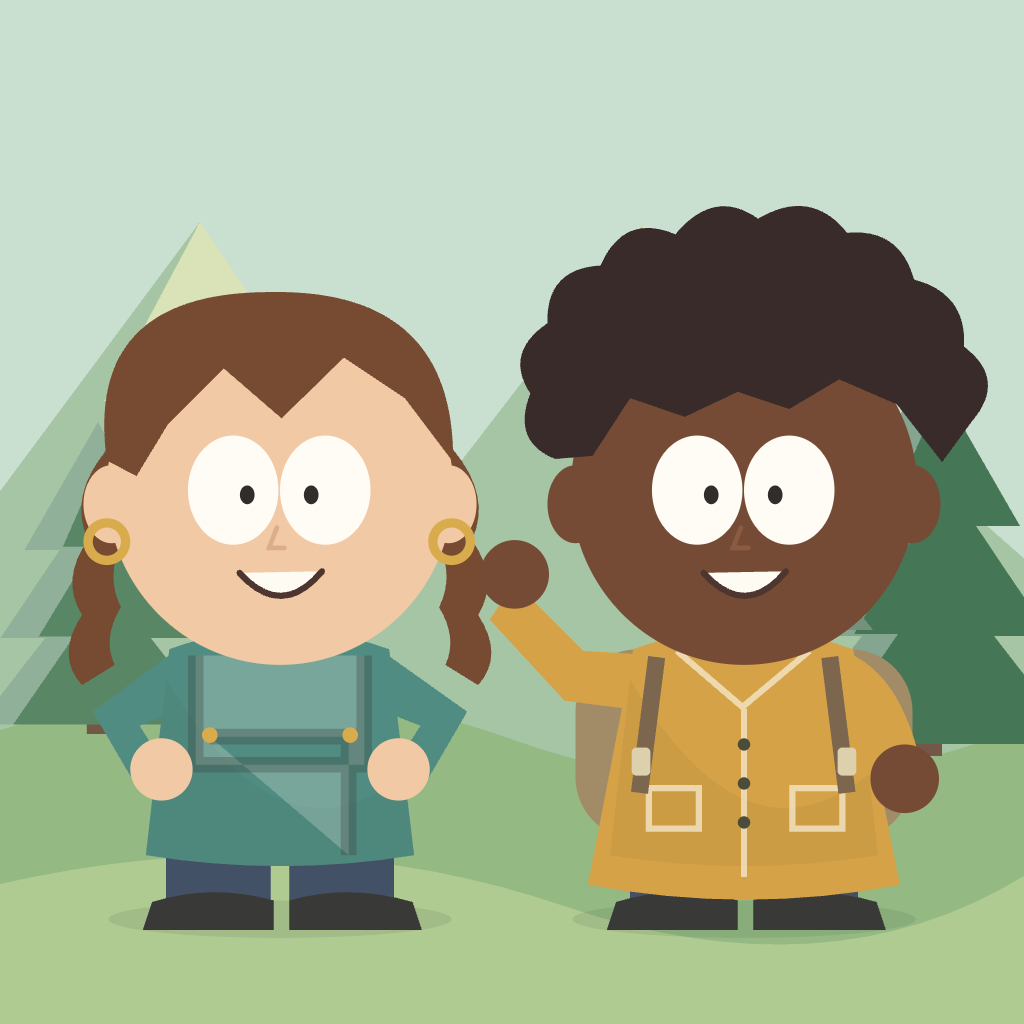
Making South Park Characters: A Practical Guide to Original Avatars
Making South Park characters is less about adding endless details and more about choosing a few details that work together. A strong paper-cut cartoon avatar usually has a clear silhouette, a deliberate color, one memorable accessory, and an expression that tells you how the character feels.
This is a guide to making original South Park-inspired characters with an independent online builder. Do not use someone else's likeness, photo, or copyrighted character without permission.
Build one character before building a cast
Start with one character in the manual builder. Choose the hairstyle, skin tone, outfit, and expression before adding a second character. This gives you a visual anchor and makes it easier to keep a duo or trio from feeling random.
For a first draft, use this order:
- Pick the hair or hat that defines the silhouette.
- Choose an outfit with one main color.
- Add one accessory that explains the character's role.
- Select an expression that changes the mood.
- Choose a background that gives the scene context.
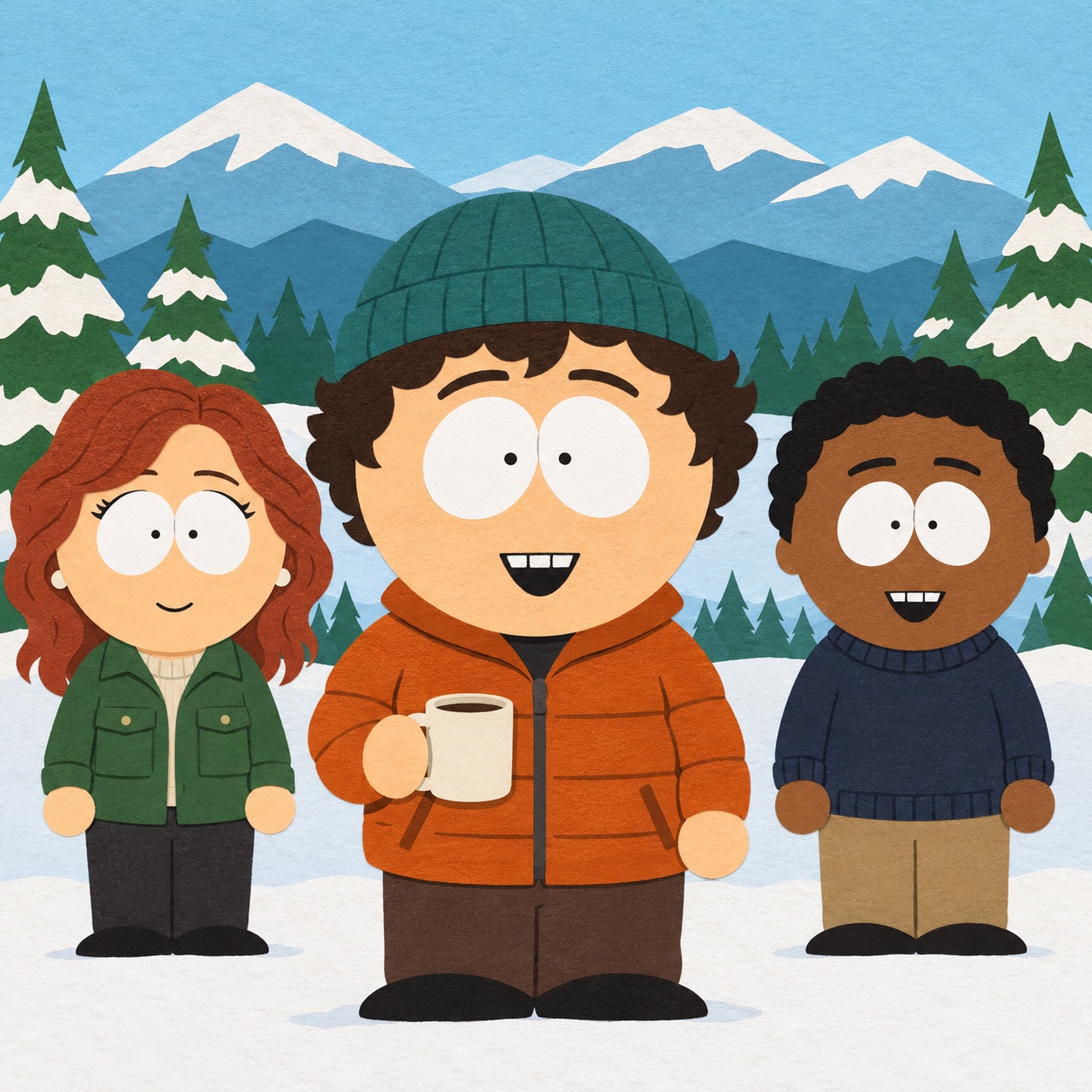
Give every detail a job
Before adding an accessory, ask what it contributes. Glasses can suggest a bookish character, a backpack can imply movement, headphones can signal a music fan, and a scarf can make a simple outfit feel seasonal.
The same rule applies to color. Use a bright jacket against a quiet background, or a calm outfit color against a more energetic scene. Contrast helps the face and body stay readable at small sizes.
Make a duo or trio feel intentional
When making multiple South Park-inspired characters, give each person a different silhouette and color family. A duo works well when one character is taller or more active while the other has a quieter pose. A trio benefits from a shared background and three distinct focal points.
Keep the background shared so the cast feels like one scene. Change the hair, outfit, and expression between characters rather than changing everything at once.
Check the avatar at download size
Zoom out before exporting. If the expression disappears or the accessories merge into the hair, simplify the design. The builder exports a 1024 × 1024 PNG and an SVG, so you can keep both a shareable raster version and a scalable editable version.
The manual builder works without an account. Browser saves remain on the current device, so download the final version when you are happy with it.
Try making your own original character, then compare your result with the portrait, duo, and trio examples.