
Create Your Own South Park Character: A Step-by-Step Guide
Create your own South Park-inspired character with a simple process for choosing a silhouette, outfit, expression, background, and export format.
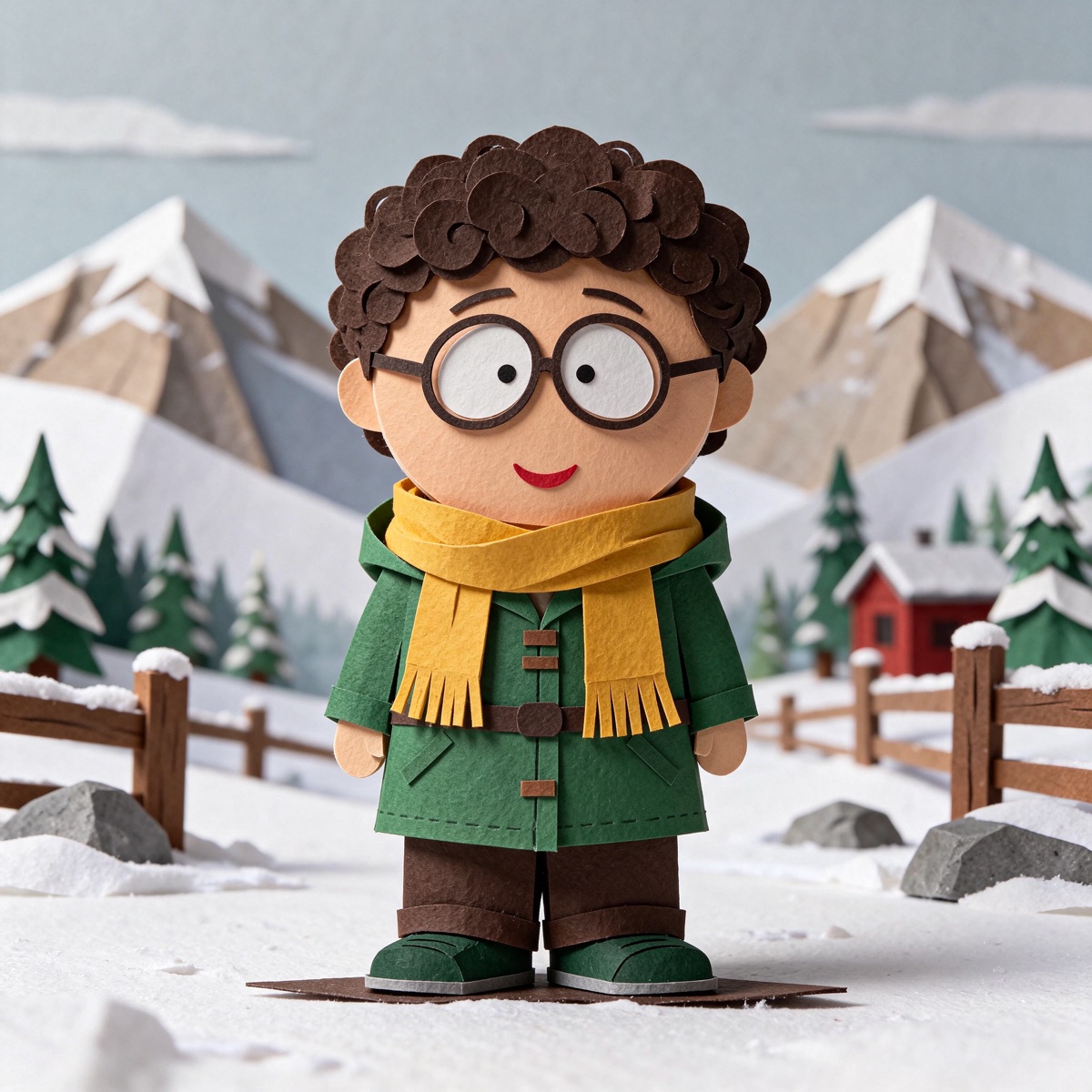
Create Your Own South Park Character: A Step-by-Step Guide
If you want to create your own South Park character, begin with the traits that make the idea yours. A favorite color, a familiar hairstyle, or an exaggerated expression is usually a better starting point than trying to recreate a full fictional character.
This step-by-step guide uses the independent southparkmaker character builder, where you can customize an original paper-cut avatar in your browser without an account.
Step 1: Choose a starting preset
Open the builder and choose the preset closest to your idea. The preset is only a starting point; you can change the hair, outfit, face, pose, and scene afterward.
Step 2: Change the details people notice first
Work from large shapes to small ones. Start with hair and hats, then adjust the outfit and skin tone. Pick one accessory after the main silhouette feels right.
If you are making an avatar inspired by yourself, choose the feature people recognize first. It might be curly hair, a bright raincoat, round glasses, or a favorite backpack. If you are making a fictional character, use the same principle and invent one memorable visual clue.
Step 3: Set the expression and pose
Expression changes the entire read of a character. A calm face can make a bright outfit feel thoughtful, while a grumpy face can turn the same outfit into a joke. Try at least two expressions before you decide.
For a duo or trio, use different expressions so the group has a rhythm. One character can wave, another can sit, and a third can stand with a more neutral pose.
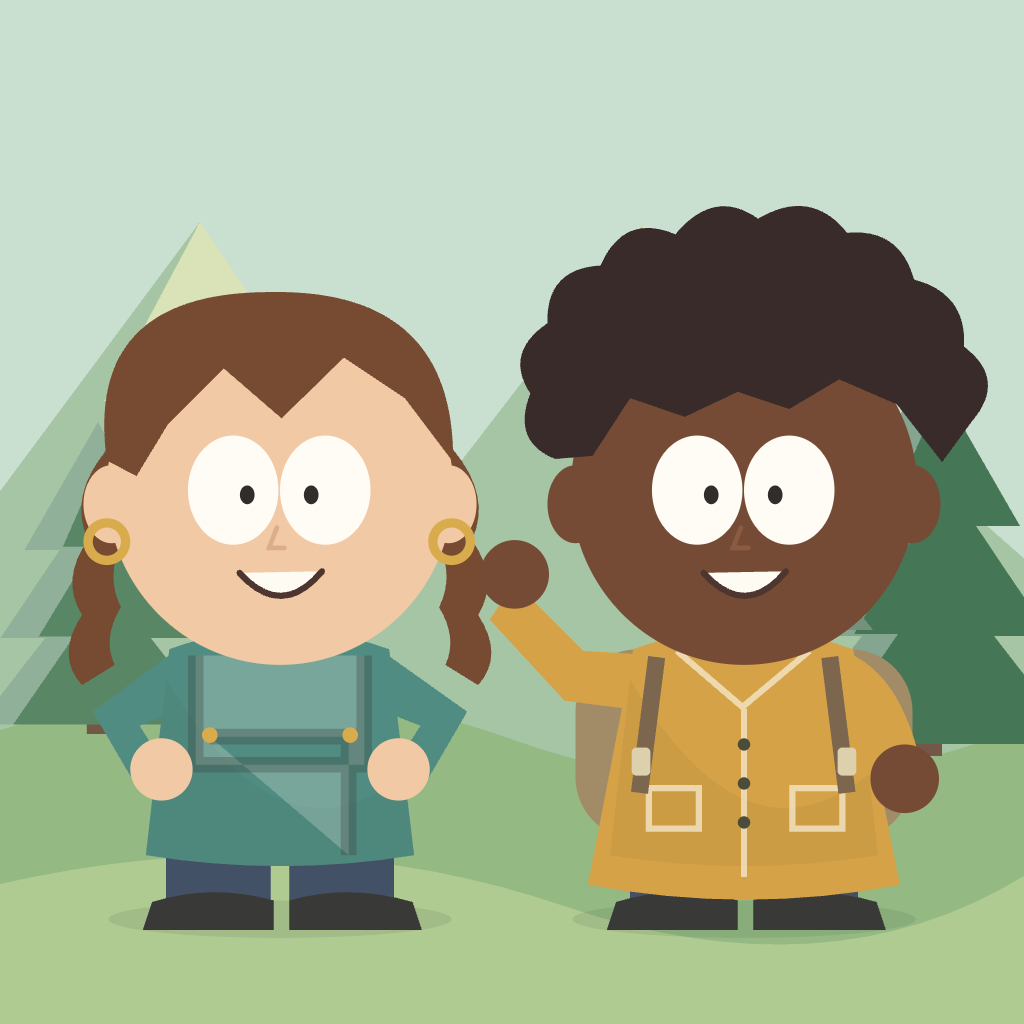
Step 4: Pick the background
Use a snowy mountain scene for an outdoorsy avatar, a park for a casual group, or a transparent background for a profile image and other layouts. The background should add context without becoming the main subject.
Step 5: Download and keep the result
Download PNG for immediate sharing and SVG for a scalable version. The builder exports a 1024 × 1024 design, and the manual workflow does not require an account. Browser saves stay on the current device, so download the finished result before leaving.
You can also browse the real character examples and open any of them in the editor as a starting point.